
FocalTabs
Chrome extension
Time-aware tab management. Inactive tabs cool into a group, snooze themselves, and land in a searchable archive — nothing lost, everything quieter.
Add to Chrome · Free FocalReader
A browser extension that dims the page around the line you're reading. Built for people with ADHD, dyslexia, and anyone who finds long articles hard to finish.
Pulled hourly from the public Chrome Web Store and Firefox Add-ons listings. Each store counts differently, so the two aren't quite the same unit. The extension itself counts nothing — these are the stores' numbers, not ours.
A movable band of light that follows your cursor. Everything else fades into the background so your eyes stop wandering.
When you stop moving the cursor, the page gently dims further. The longer you sit still, the calmer it gets.
Adjust the height, width, and position without leaving the keyboard. Designed to stay out of your way.
Element-aware focus that snaps to paragraphs, headings, and sections. Step through a long article with Shift+↓. On by default.
Stuck on a dense paragraph? Focus it and click the sparkle above the band — or press Alt+Shift+E — for a plain-language version. Web pages and PDFs. 5 free a day; Pro for unlimited.
A frosted-glass dim that's softer on the eyes than a flat shade. Set the level, or let Auto haze deepen it when you pause to read.
Soft blue for daytime, warm amber for late nights. Pick any color; change it as your eyes need it.
No analytics, no tracking. The reading features send nothing; Explain (AI) sends only the paragraph you choose. Settings stay on your device.
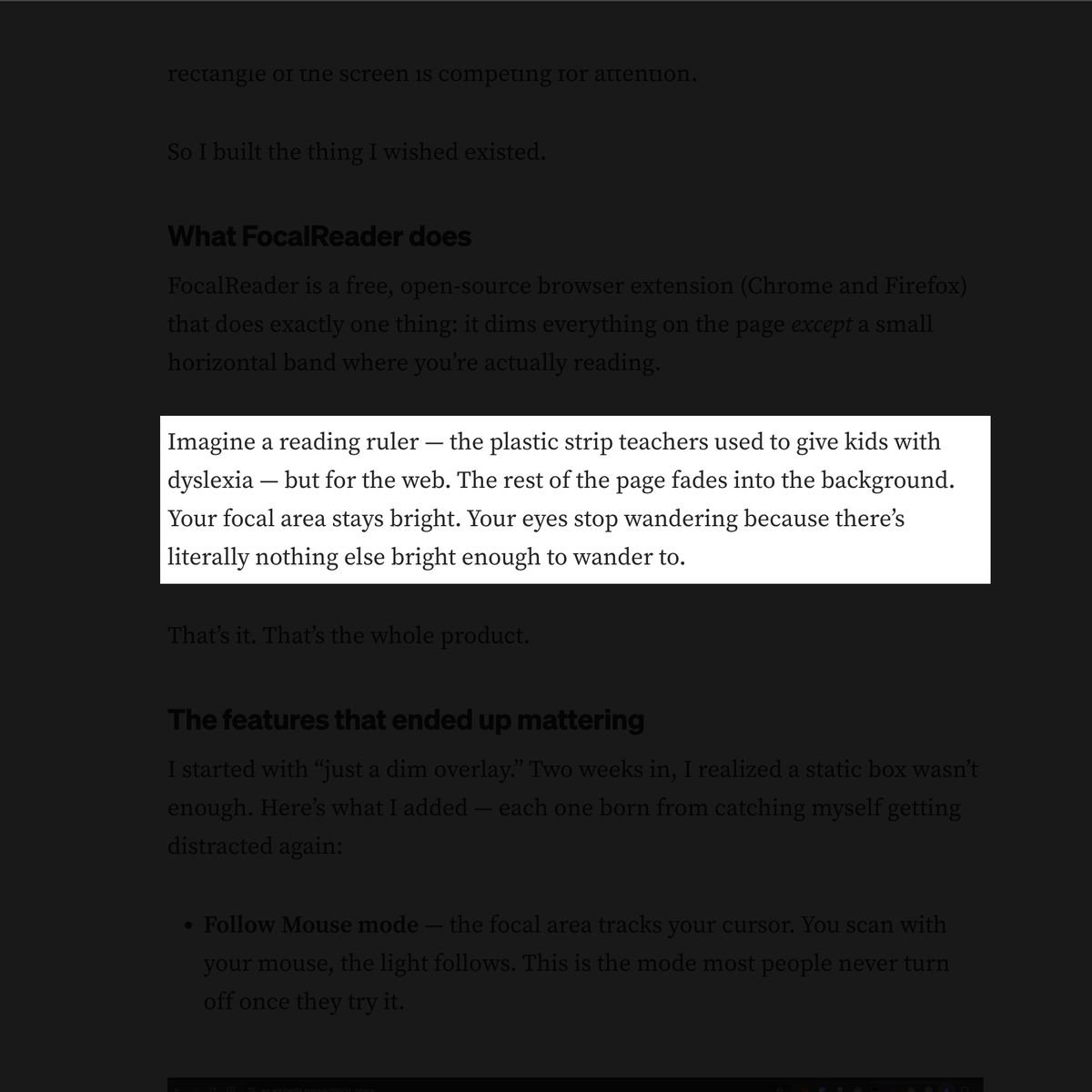
Smart Window reads the page like a person does. Instead of a fixed band of light, the focal area snaps to the paragraph, heading, or section you're on — and steps through the article one element at a time, all from the keyboard.
Toggle Smart Window from the popup, or assign your own keyboard shortcut at
chrome://extensions/shortcuts. Pair it with the free Auto Dim and
Follow Mouse modes for a calm, distraction-free reading flow.
Small, quiet browser tools that take the friction out of everyday work.
Time-aware tab management. Inactive tabs cool into a group, snooze themselves, and land in a searchable archive — nothing lost, everything quieter.
Add to Chrome · FreeFocalReader is free, and the reading features always will be. A contribution goes to the running costs — the AI behind Explain, the domain, the store fees.
Found a bug or want a feature? Use the "Send feedback" button in the popup or email support@focalreader.com.